Do
- ✓Poster = join only.
- ✓Phone QR = every stamp after that.
- ✓Name on screen must match the person at the counter.
How it works
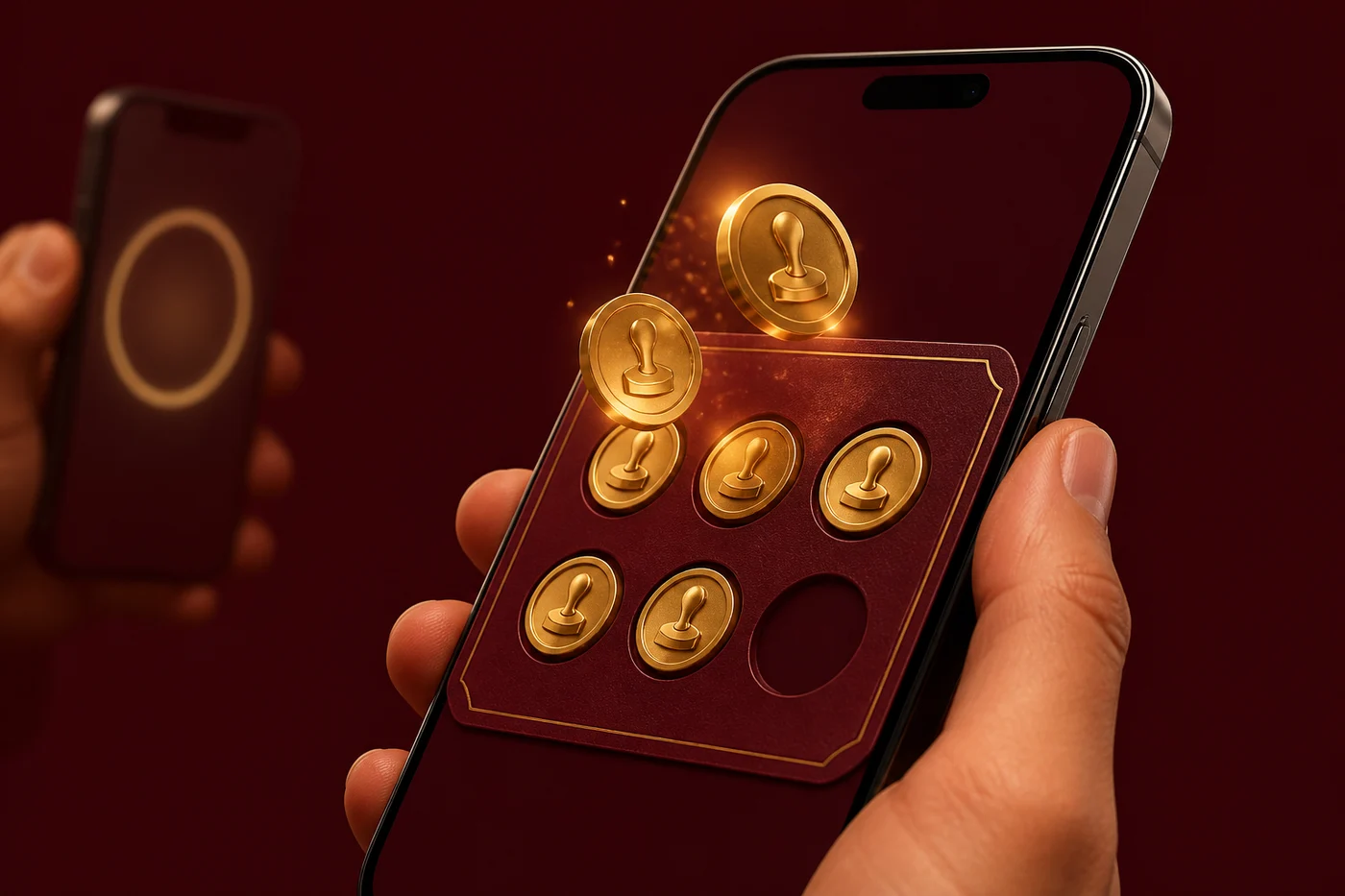
The old punch-card loop, on the customer's phone. Staff only need the camera on Scan. No extra machine, no app store.
Print the QR
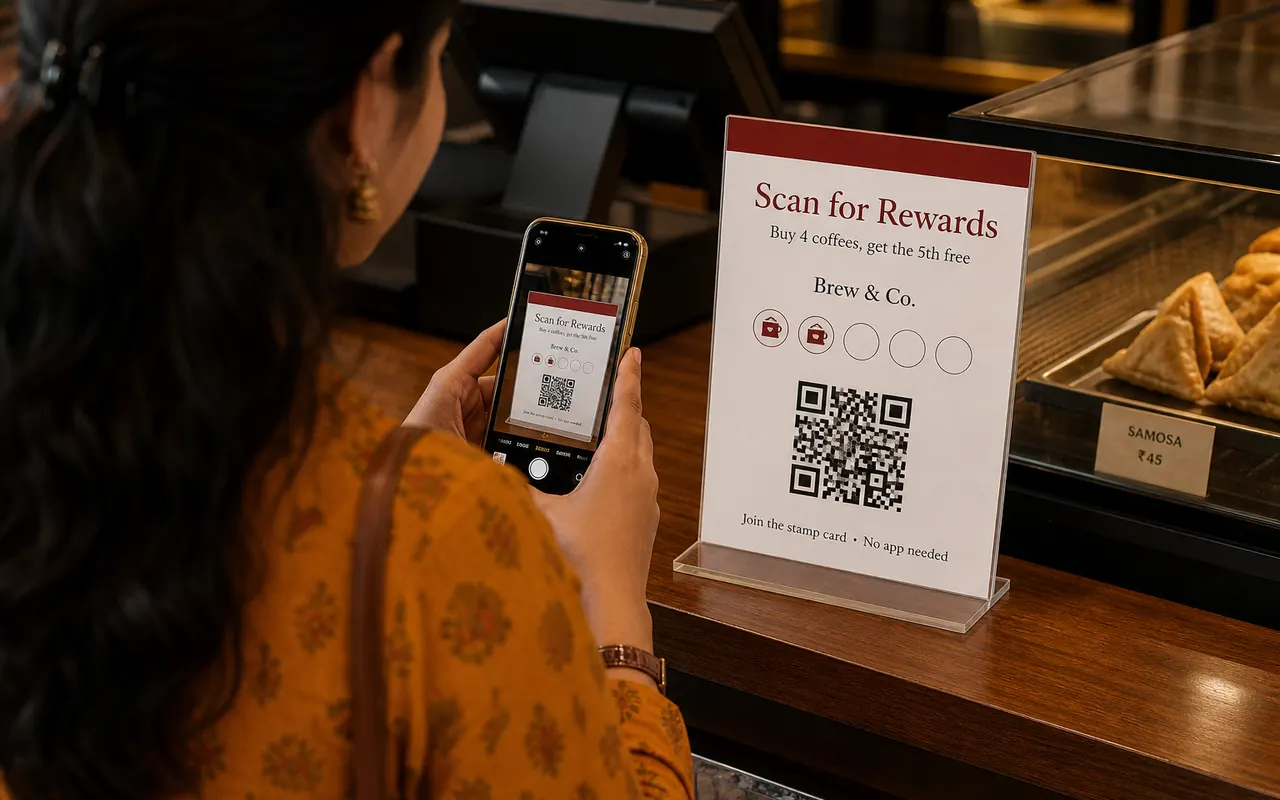
Download the poster and stick it at the counter. Window, table, or bag, same code.
They scan once
The stamp card opens on their phone. No app store, no form longer than a minute.
You stamp each visit
They show their card. Staff opens Scan, points the camera, done.
Reward on the spot
When the card is full, you see it on the scanner. Give the free item, tap redeem.
At the counter
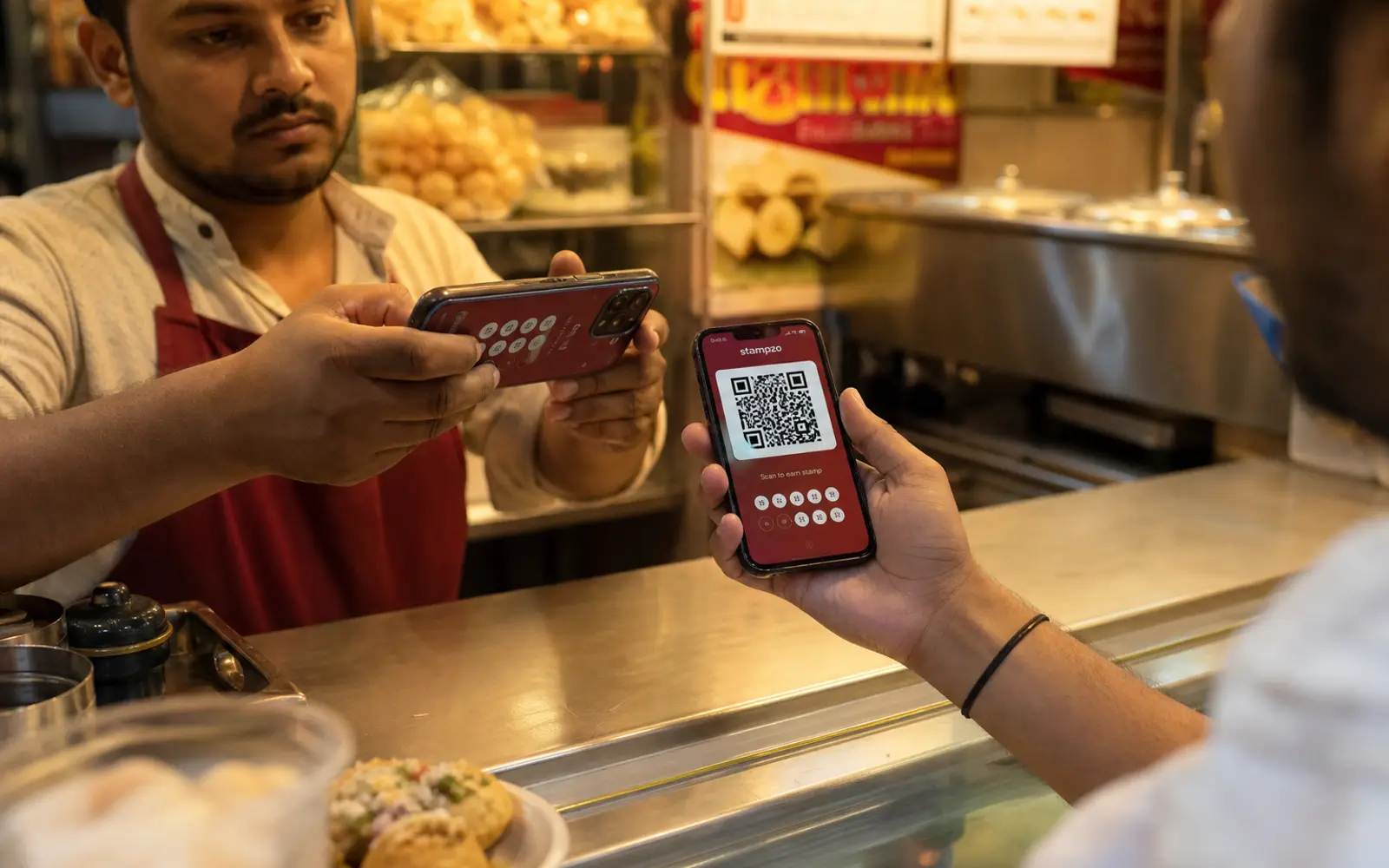
Left is the customer. Right is the shop. The same loop, said out loud.

Do I need to download the Stampzo app?
Customer
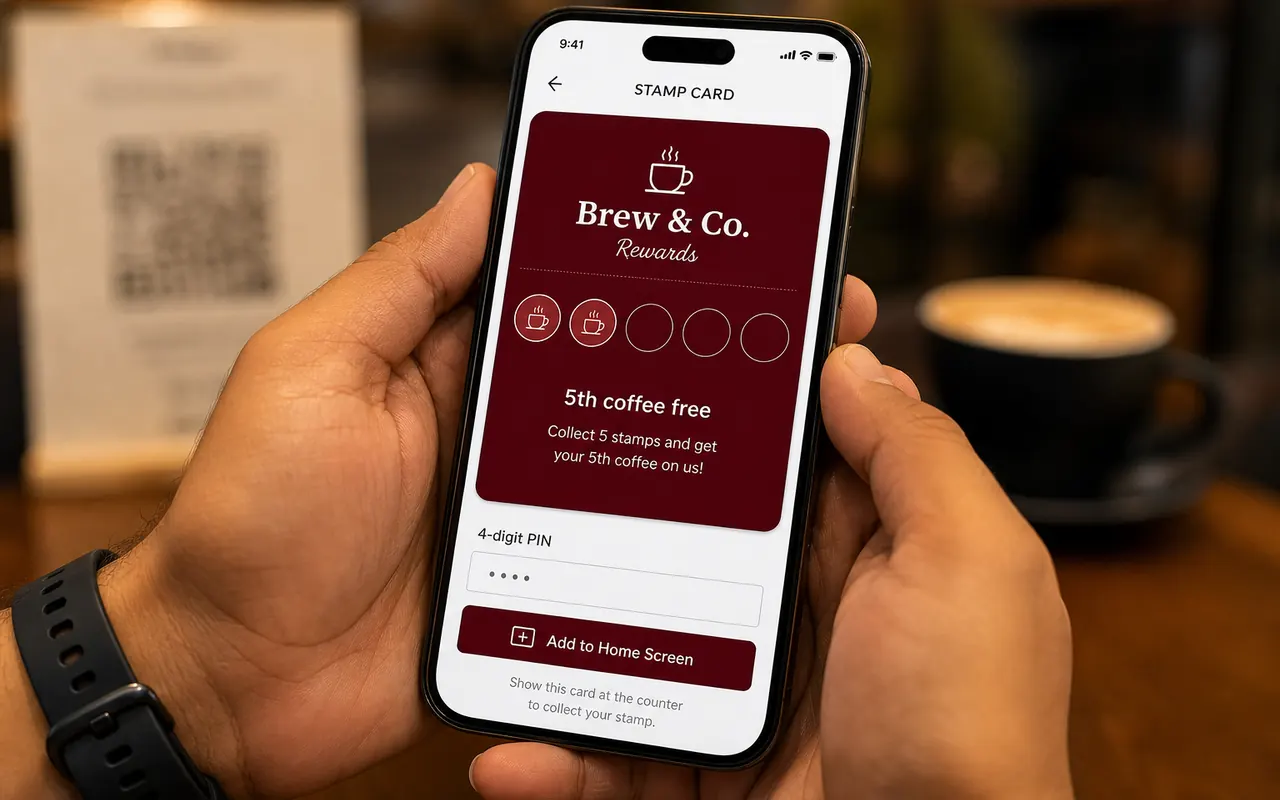
Scan the poster, optional home-screen save, username + 4-digit PIN. Next visit they open the card, they do not scan the shop poster again.
Staff
Open Stampzo → Scan. Point at the QR on their card. Check the name. Stamp. When the card is full, give the free item first, then redeem.
Customer steps
Four moves. You can say them out loud at the counter.
Scan the poster once
Only for first-time join. The card opens on their phone.
Save it if they want
Home screen is optional. PIN brings stamps back on a new phone.
Show the card QR
Next visit they open Stampzo / the saved card, not the window poster.
Take the reward
When stamps are full, they get the free item at the till.
Staff steps
Same order every person in the queue.
Point to the poster
Only if they are new. Regulars already have the card.
Open Scan
Aim at their phone. Confirm the name on screen.
Stamp
One visit, one stamp, or one stamp per item if that is your program.
Give, then redeem
Full card: hand over the reward, then tap redeem.
The two mistakes
Do
Don't
Next: write the offer, then print. First program is free.
First program is free
Create the shop in minutes. Phone, desktop, or both. First program is free.