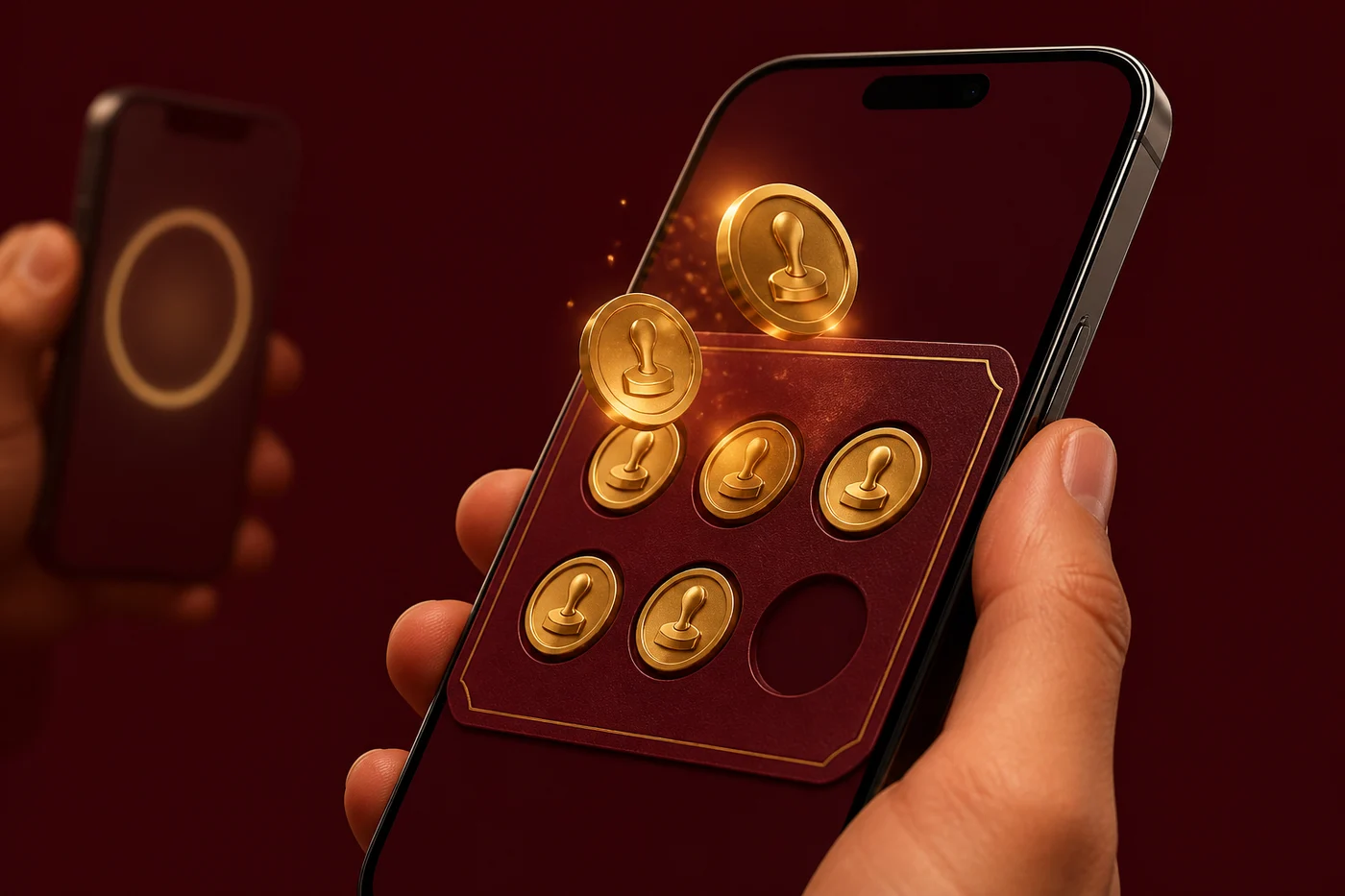
Paper cards disappear
Customers forget the card at home, lose it in the wallet, or wash it with their jeans. A phone card is always in their pocket.
Digital Loyalty Cards
A digital stamp card that replaces the paper punch card. Customer scans a QR poster, gets a card on their phone, collects stamps every visit. No app download, no plastic — just open and scan.
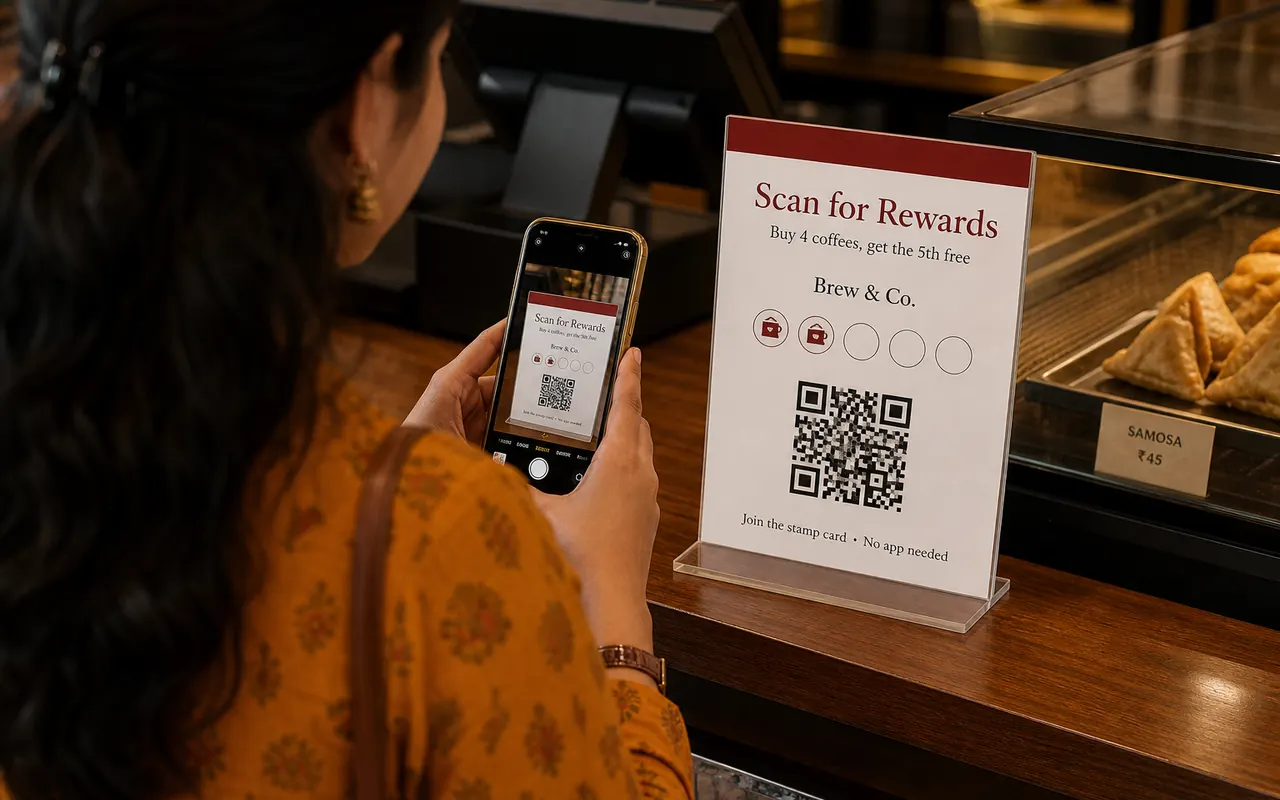
Why paper fails here
Stampzo keeps the same offer. It just lives on the phone the customer already has out.
Paper cards disappear
Customers forget the card at home, lose it in the wallet, or wash it with their jeans. A phone card is always in their pocket.
Plastic cards cost money
Printing 500 plastic loyalty cards costs ₹5,000+ and takes two weeks. Stampzo costs nothing to start and works the same day.
No way to know who came back
Paper cards don't tell you which customers are regulars. Digital cards track every visit so you know exactly who returns and who stopped.
Example program
One sentence on the poster. Staff say the same line. Scanner shows when it is time to give the free item.
Staff lines
Short. Same order every visit. Full walkthrough is on the For staff page.
Join
Scan this QR once. Your loyalty card opens on the phone.
Stamp
Show your QR at the counter. One scan, one stamp.
Check
Open the card anytime to see how many stamps you have.
Reward
Stamps full? Collect your reward at the counter.
Shop-floor rules
Do
Don't
Keep it simple
Start with one reward — 'Buy 5, get 1 free'. Add tiers later once customers get used to the system.
Tell them what they get
Don't write 'Loyalty Points'. Write 'Free chai on 5th visit' or '₹100 off on 10th visit'. Clear rewards bring people back.
Poster placement
Put the QR where customers wait — billing counter, payment desk, pickup window. Don't hide it behind the door.
First program is free
Create the shop in minutes. Phone, desktop, or both. First program is free.